เผยแพร่: 23 เมษายน 2569

หลังจาก OpenAI เปิดตัว ChatGPT Image 2.0 AI เสกภาพที่สามารถ
- มันทำตามคำสั่ง Prompt ได้เป๊ะ
- วางวัตถุได้ถูกตำแหน่งสัมพันธ์กัน
- Real-World Intelligence
ที่เปลี่ยนเกมสุด คือ ใส่ข้อความในภาพได้ถูกต้อง 100% ไม่ว่าจะตัวเล็ก ไอคอน ส่วนประกอบหน้าจอ หรือ Layout แน่นๆ ก็เอาอยู่และ มันคิดเป็นครับ เปิดโหมด Thinking ปุ๊บ มันจะค้นหาข้อมูลจริงจากเว็บ สร้างภาพหลายแบบพร้อมกันจากคำสั่งเดียว ตรวจความถูกต้องตัวเองได้
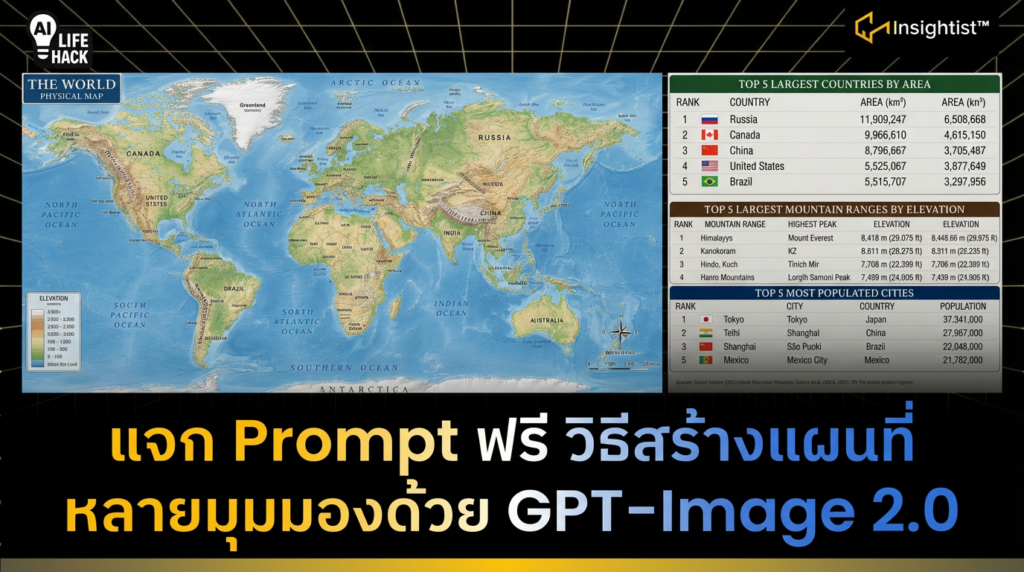
บัดนี้ทางทีมงานได้แชร์ Use Case เพิ่มเติม นั่นคือ การสร้างแผนที่
ข้อดี คือ สามารถสร้างรายละเอียดต่าง ๆ บนแผนที่ได้:
- ภูมิประเทศ
- ดาวเทียม
- การจราจร
นอกจากนี้ ยังสามารถสร้างแผนที่ในอดีตต่าง ๆ เช่น แผนที่รัตนโกสินทร์ของไทย, ราชวงศ์ชิงของจีน เป็นต้น
ขั้นตอนการสร้างภาพแผนที่โลกหรือแผนที่ประเทศใดประเทศนึง
- เข้าไปที่ ChatGPT
- พิมพ์ / เลือก Create Image
- ใส่ Prompt
สร้างแผนที่เชิง Physical Map
พิมพ์ Prompt ว่า A highly detailed world map in a realistic physical atlas style, showing Earth’s topography with elevation. Continents, countries, major mountain ranges, and oceans labeled clearly. At the bottom, list the top 5 largest countries (include area), largest mountain ranges (include elevation), most populated cities (include population)
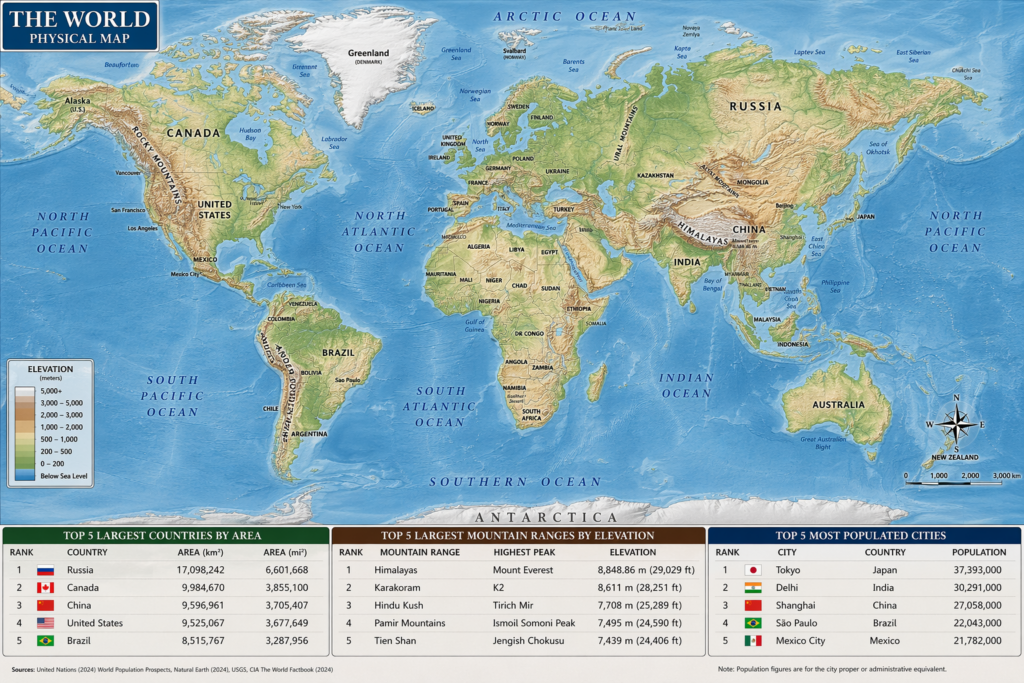
ตรงตั้งแต่ At the bottom, list the top 5 largest countries (include area), largest mountain ranges (include elevation), most populated cities (include population) คือ รายละเอียดที่อยากเพิ่มข้อมูลว่า 5 ประเทศที่ใหญ่ที่สุดในโลก, 5 เทือกเขาที่สูงที่สุดในโลกและ ประเทศที่มีจำนนวนประชากรอยู่ในเมืองมากที่สุดในโลก
สร้างแผนที่สมัยรัตนโกสินทร์ของไทย
พิมพ์ Prompt ว่า A highly detailed Early Rattanakosin period map in a realistic Satellite imagery style, showing Early Rattanakosin period’s topography with elevation. Continents, countries, major mountain ranges, red Boundary Line and oceans labeled clearly. English Language
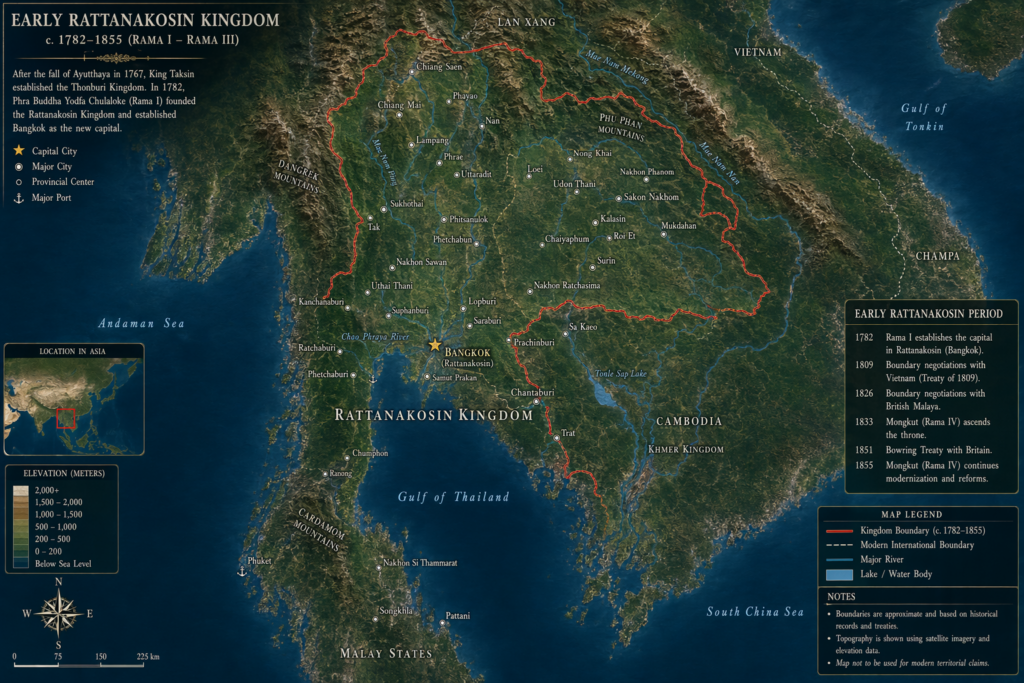
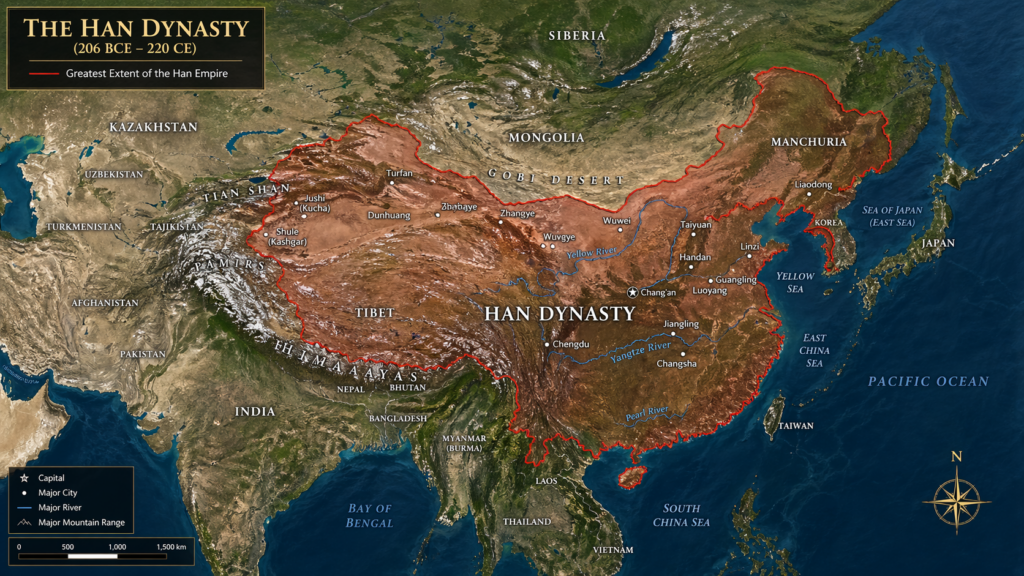
ข้อจำกัดของการสร้างแผนที่สมัยโบราณ คือ หากพิมพ์ข้อมูลไม่ชัดเจนพอ ผลลัพธ์ที่ได้ จะแสดงข้อมูลที่ผิดเพี้ยน